
Customizing your appearance settings
How to switch between light and dark mode
Log in to your account and click your initials or name in the lower left corner.
Navigate to Settings > Appearance.
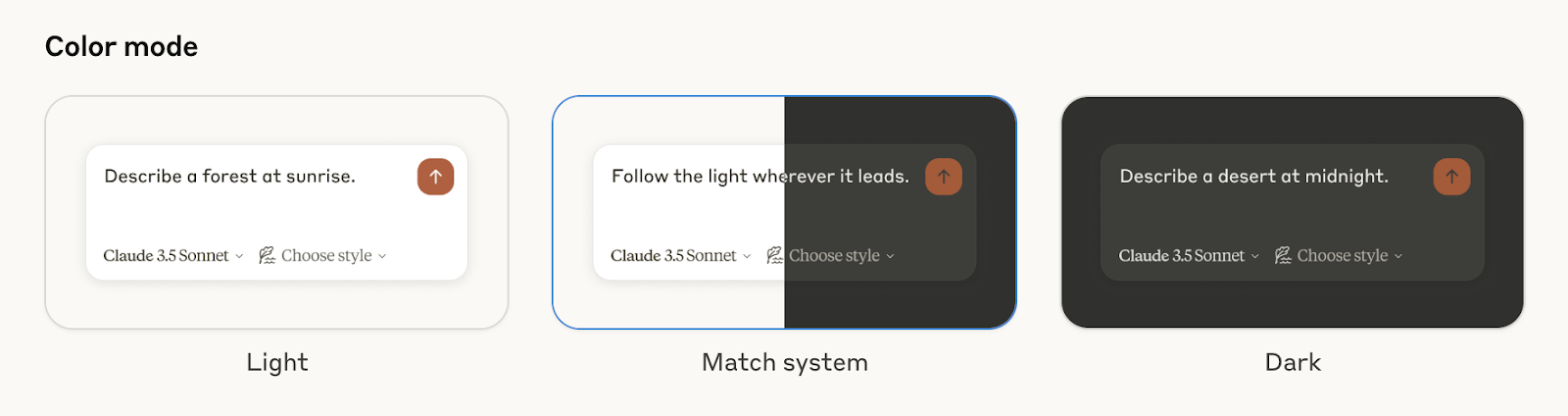
Select from Light, Match System, and Dark under Color mode.
How to change your font
In Settings > Appearance, find Chat font.
Select from Default, Match System, and Dyslexic Friendly.

Can I disable the sidebar?
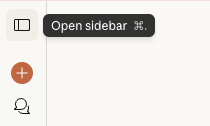
It's not currently possible to completely disable the sidebar. You can click the button on the top right of the sidebar to open or close it.
[](/assets/content/8138ffe79e93219b.png)